
ADVERTISEMENT
ADVERTISEMENT
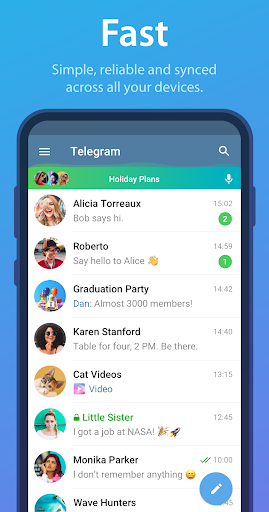
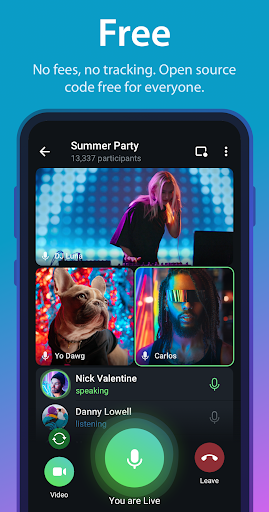
The Telegram app is designed to provide pure and instant messaging, making communication simple, fast, and secure for users around the globe. With growing popularity, it stands as one of the top 5 most downloaded apps, boasting over 1 billion active users. Its target audience ranges from professionals and teams looking to collaborate effectively to casual users seeking a reliable messaging platform.
There are several compelling reasons to download the Telegram app. First and foremost, it stands out for its speed, ensuring that messages are delivered almost instantly, thanks to its unique, distributed network across a myriad of global data centers. Additionally, the Telegram app prioritizes security, encrypting chats and files with cutting-edge technology to protect user privacy. Recent updates have enhanced the app’s functionality and usability, enabling features like seamless cloud storage and improved multimedia capabilities, making it even more attractive for potential users. 🌟
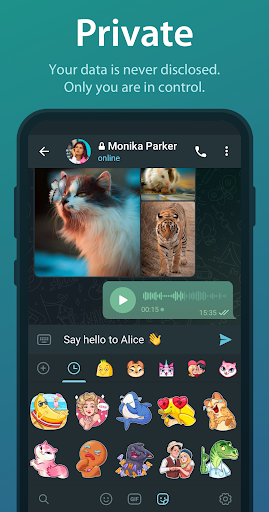
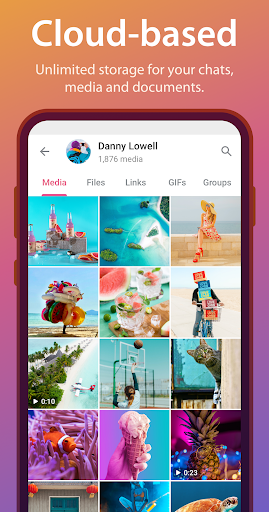
▪ Unlimited Media Sharing: Send media and files without limits on type and size, ensuring that all your communication needs are met.
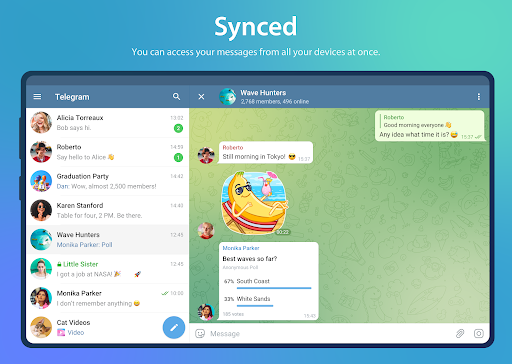
▪ Cross-Device Syncing: Access your messages from any device—phone, tablet, or computer—without needing to connect to your phone, allowing for flexibility in communication.
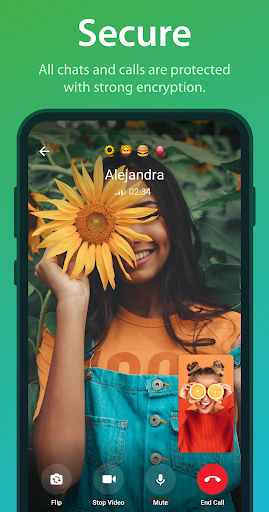
▪ Strong Security Protocols: Keep your chats safe with 256-bit AES encryption, providing peace of mind knowing your data is secure.
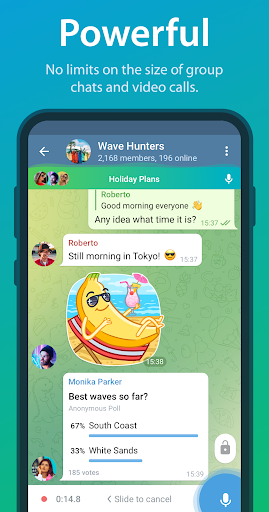
▪ Large Group Capacity: Create group chats with up to 200,000 members, ideal for online communities and teamwork coordination.
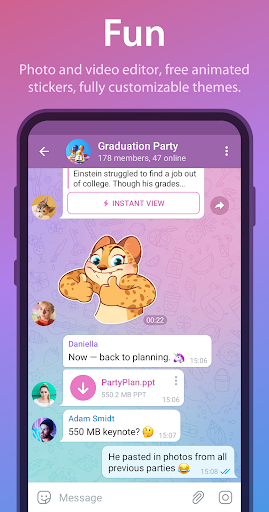
▪ Fun Editing Tools: Utilize built-in photo and video editing features to enhance shared content and make your messages more engaging.
1. Install the Telegram app: Begin by downloading the Telegram app from the Google Play Store for Android or the Apple App Store for iOS. Alternatively, you can download the APK for direct installation on compatible devices.
2. Create an Account: Open the app after installation and follow the prompts to sign up for a new account, providing your phone number for verification.
3. Set Up Your Profile: Customize your profile by adding a profile picture and username, making it easier for contacts to find you.
4. Start Messaging: Begin exploring the app by initiating chats, creating groups, or sending media to friends. Don’t hesitate to explore features like bots for specific tasks to enhance your experience.
5. Sync Across Devices: Ensure you sign in from all your devices to enjoy the full benefits of the Telegram app and utilize its seamless syncing capabilities.
ADVERTISEMENT


Welcome to Zorapin - your go-to destination for downloading the latest and most popular Android apps. Our mission is to provide a safe, reliable, and user-friendly platform for Android users to discover and download the best apps.
At Zorapin, our top priority is to deliver top-notch content that is relevant to our users. Our team of experts carefully selects and reviews each app before it is available for download on our platform. We also regularly update our app library to ensure our users can access the latest versions of their favorite apps.
At Zorapin, we provide a wide range of high-quality apps that cater to all your needs. Our platform is continuously updated with the latest and hot apps, ensuring users can access the most up-to-date apps.
We prioritize providing a seamless and hassle-free app download experience. Our website is easy to navigate, and our download process is quick and secure.
Thank you for choosing Zorapin as your trusted source for Android apps. We hope you enjoy using our platform and welcome your feedback and suggestions.


